Scene Modeling
Import plans and build the room shell, furniture and decor with clean geometry.
- Video: Importing CAD and setting units
- Video: Modeling walls and ceilings
- Video: Editable poly furniture
- Video: Adding decor and props
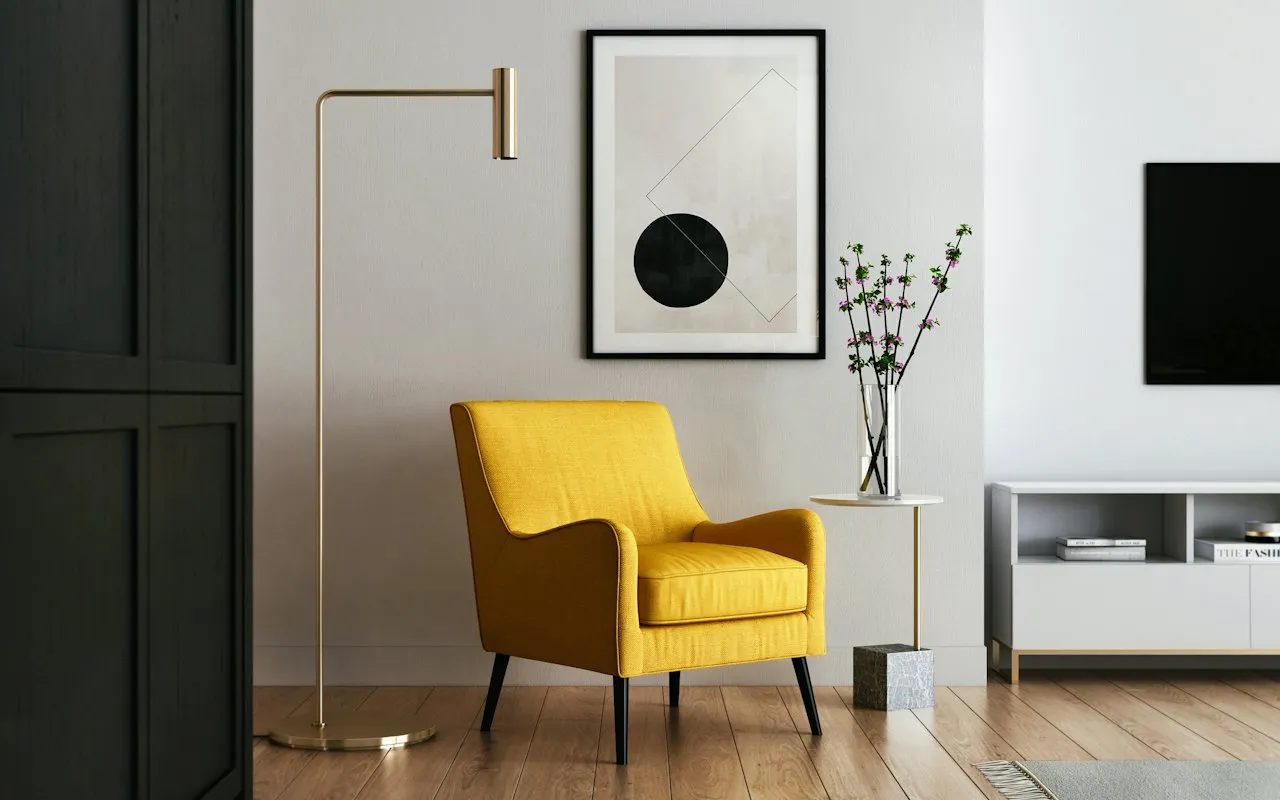
Create photorealistic interior renders with 3ds Max and V-Ray. Cover modeling, materials, lighting and camera setup using a modern living room scene.
Price$99
Create photorealistic interior renders with 3ds Max and V-Ray. Cover modeling, materials, lighting and camera setup using a modern living room scene.
Import plans and build the room shell, furniture and decor with clean geometry.
Make wood, marble, fabric and glass look real with correct UV mapping.
Light interiors with sun, sky and artificial lights and frame the best views.
Balance quality and speed, then render passes for finishing in Photoshop.